
Brady Workstation Label Creation and Management Software
All you need to create the right label fast
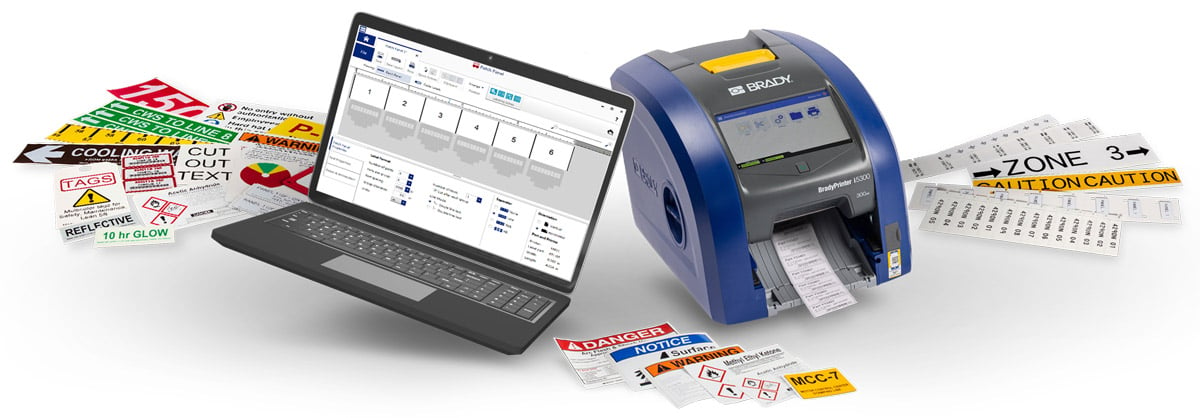
Unleash the full power of your Brady label printer with Brady Workstation software. From automation and importing to smart templates and powerful customization tools, every feature is designed to save time and get the job done right. With expert support and job-specific apps, Brady Workstation takes everyday labeling to the next level.
Design & Print Pro: Two versions. One perfect fit.
Whether you're labeling for safety and compliance or for product, wire or lab ID, Brady Workstation Design & Print Pro has you covered. Choose the solution that fits your needs and become a design and print pro in no time.
Brady Workstation: Product, Wire and Lab ID Software
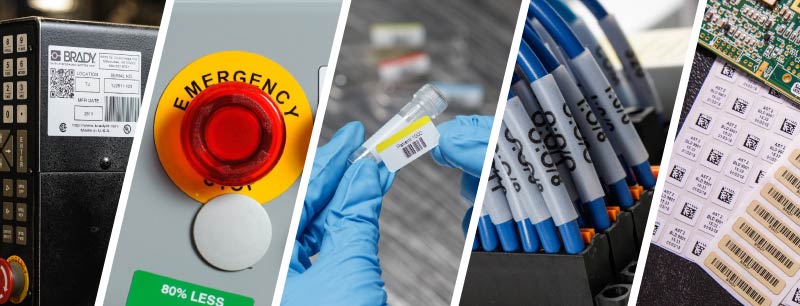
Streamline labeling with professional-grade tools for wire, product, and lab ID. Create high-quality, customizable labels with adjustable text, graphics, and serialization—so you can take full control of your labeling.
Shop printers with this software | Free Trial
Purchase Software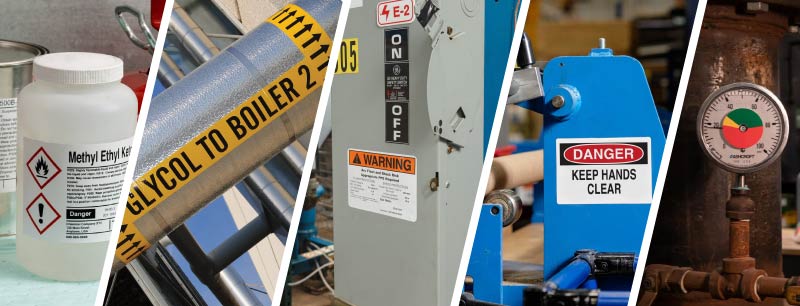
Brady Workstation: Safety and Facility ID Software
Simplify safety labeling with a powerful all-in-one solution designed for clear and compliant visuals. Easily create and print safety signs, hazcom labels, pipe markers, and more.
Shop printers with this software | Free trial
Purchase SoftwareHave a specific labeling job?
Explore our targeted software options designed to make your unique labeling tasks easier.
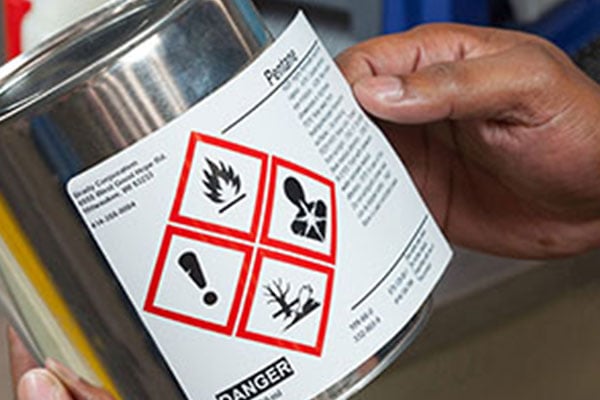
GHS Chemical ID Software
Handle hazcom labeling with this app’s built-in chemical database feature. With it, you hold the keys to one-and-done SDS data entry, auto-populated GHS labels and click-to-print efficiency.
Shop printers with this softwareFree Trial
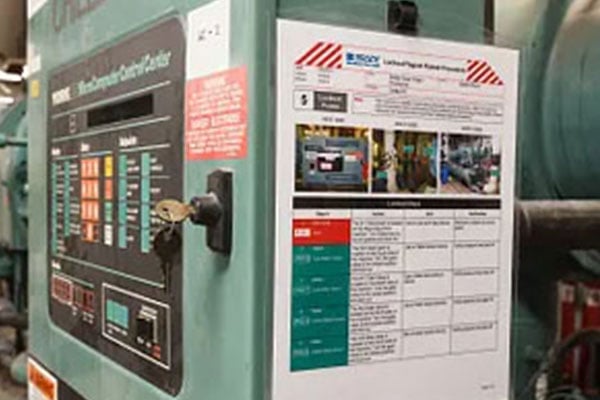
Lockout Writer Software
Visuals can be a life-or-death difference when it comes to lockout tagout. Create, store and print lockout procedures, associated tags and energy source labels with this protective tool.
Free Trial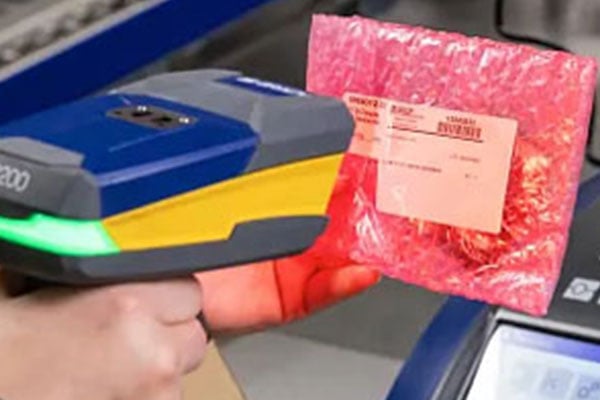
Scan & Print Software
Create labels quickly, reduce errors and improve efficiency. Scan and Print simplifies the labeling process by automating data input through a barcode scanner, keyboard, or custom script directly to a template.
Free Trial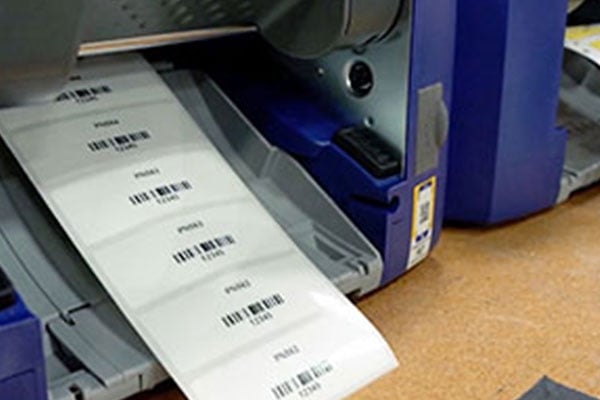
Data Automation Software
With the Data Automation Suite, you won't need to manage label printing on a daily basis. Simply have your enterprise management software export a .csv or .txt file with the necessary label data, and let our suite take it from there.
Free TrialUnlock the power of Brady Workstation Software
Permanent head-start? Smart.
Starting from scratch is a non-starter. Unless, of course, you want to.
- Intuitive templates
- Customization tools
- Data and image importing
- Standardized graphics library
Less finessing? Brilliant.
Outsource the small stuff with headache-eliminating features in an easily navigable interface.
- Auto-formatting
- Numeric and alphanumeric sequencing
- Barcoding with readable text
- Spec-defined mass alignment
More labels, less re-work?
Fast, accurate label creation – plus bundling discounts – is time and money back.
- Locked and editable fields
- Multiple-file grouping for single print
- Task monitoring
- Retrievable storage
Skip square one. Permanently.
One of the many ways Workstation's label printer software works for you, the Premade Editable Labels feature lets you print common labels custom-worded to your needs quickly.
- Multiple label packs by category
- Standard and/or regulatory colors and text
- Add custom wording (or print as-is)
- Compatible with most Brady printers
Maximize savings and efficiency with volume pricing
25% OFF
5‑14 licenses
30% OFF
15‑24 licenses
35% OFF
25+ licenses
Seeing is believing
See all that Brady Workstation can do for you, ask questions, and find the suites and apps that are right for you.
Explore more software for diverse industries and jobs
Explore Brady’s additional wide range of solutions, from compliance-driving safety software to a time-saving cable ID integration.
Support for labeling printing software
Software Updates
Ensure that you have the most up-to-date features and performance enhancements.
How-to Videos and Articles
Helpful videos and articles are available to get you up and running and to get the most out of your software.
View all Brady Workstation how-to videos and articles
Don't see what you're looking for? Contact Support
Trusted by Fortune 500 Companies






Use software from Brady to complete your identification and facility management projects and create a safer and more compliant workplace. These software options move your productivity forward by automating processes, reducing manual input and simplifying processes. Whether you need to create labels on your desktop computer or complete an inspection using your mobile device, Brady has a software solution that meets your needs.
For your label creation needs, or to upgrade from LabelMark, look to Brady Workstation software. Brady Workstation is a combination of apps and suites that are tailored to specific identification tasks throughout your facility. When paired with a Brady printer, this software provides intuitive design options that move you through your identification projects with ease.
After you’ve completed your identification projects, Brady also provides a variety of software options for improving processes throughout your facility, including LINK360 software. This software option makes maintaining a safe work environment easier and more efficient.
LINK360 software is a cloud-based software that is designed to set standards, workflows and sustainability around your lockout tagout, confined space and maintenance procedures. You can easily create procedures, manage workflows and benchmark your progress. Need access when you’re away from your desk? No problem, this software is available on your mobile device.
Because more and more business is being done outside of the office, Brady also provides a variety of mobile apps to help you get through your work when you’re in the field. These apps include label creation options, inspection management options and more.